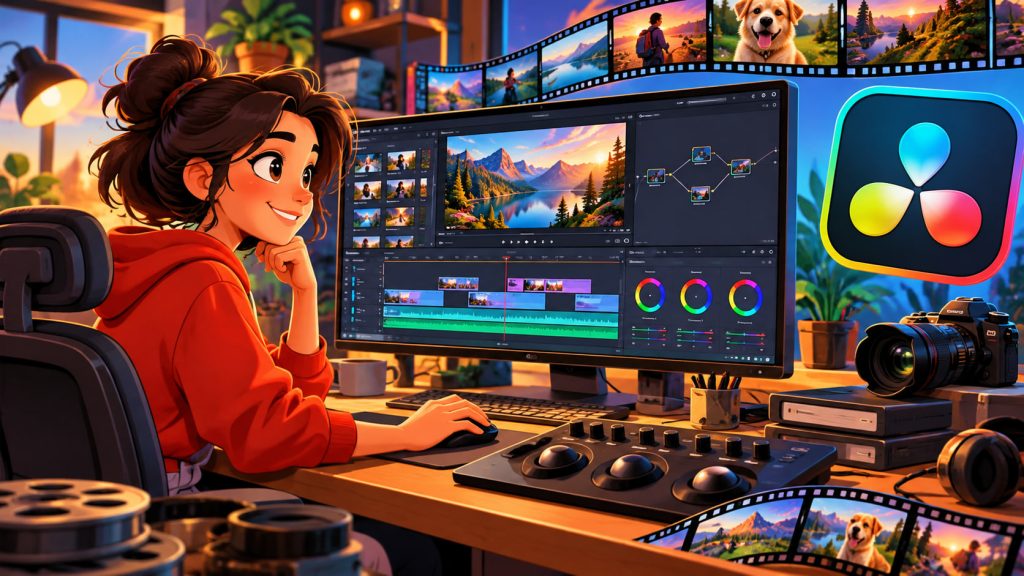
Creating professional-quality videos once required expensive equipment, specialized studios, and several complicated software applications.
Today, filmmakers, YouTubers, video editors, and content creators can accomplish many of these tasks using a single program: DaVinci Resolve.
Developed by Blackmagic Design, DaVinci Resolve combines video editing, professional color correction, visual effects, animation, and audio production in one integrated environment.
What makes this software particularly remarkable is that a powerful version is available completely free.
DaVinci Resolve has evolved from a specialized Hollywood color-grading system into a comprehensive video production platform used by both beginners and experienced professionals.
What Is DaVinci Resolve?
DaVinci Resolve is a professional video editing and post-production application available for Windows, macOS, and Linux.
It uses nonlinear editing (NLE), allowing editors to arrange, modify, and combine video clips without altering the original recordings.
Unlike applications designed exclusively for cutting video, DaVinci Resolve provides specialized workspaces for different production stages.
These include editing, color correction, visual effects, audio processing, and exporting finished projects.
The software supports everything from short social media videos to complex cinematic productions.
Its integrated structure allows users to complete projects without constantly transferring files between separate programs.
From Hollywood Color Grading to Complete Video Production
DaVinci technology originally became famous for its sophisticated color correction capabilities.
Professional colorists used DaVinci systems to control the appearance of films and television productions.
Blackmagic Design acquired DaVinci Systems in 2009 and subsequently expanded Resolve into a comprehensive post-production application.
Over time, the company introduced powerful editing tools, Fusion visual effects, Fairlight audio technology, and collaborative workflows.
This evolution made DaVinci Resolve accessible to a much broader audience.
The software’s professional heritage remains especially visible in its advanced color-processing tools.
Video Editing: Building a Story From Raw Footage
The Edit workspace contains traditional video editing tools.
Users arrange clips on a timeline, where multiple video and audio tracks can be combined into a finished sequence.
Editors can trim recordings, change clip order, add transitions, adjust playback speed, and synchronize sound.
For example, a travel blogger might combine drone footage, landscape recordings, interviews, background music, and animated titles into one video.
DaVinci Resolve also includes the Cut workspace, designed to accelerate certain editing tasks.
This makes the software suitable for both fast online content production and detailed professional editing.
Color Correction and Cinematic Color Grading
One of DaVinci Resolve’s strongest features is its sophisticated approach to color.
Color correction involves adjusting technical aspects of an image, such as exposure, contrast, white balance, and color balance.
Color grading focuses more on creating a particular visual mood or artistic appearance.
A filmmaker might use cool blue tones to make a nighttime scene feel mysterious or warm golden colors to create a nostalgic atmosphere.
DaVinci Resolve uses nodes to organize many color adjustments.
Each node can perform a particular operation, allowing editors to build flexible color-processing structures.
Professional tools also include color scopes, masking, tracking, and high-dynamic-range adjustments.
Dynamic range describes the difference between the darkest and brightest image information that a system can capture or reproduce.
Fusion: Visual Effects and Animation
The Fusion workspace provides tools for creating advanced visual effects and motion graphics.
It supports compositing, the process of combining multiple visual elements into a single image.
Editors can replace backgrounds, create animated titles, add digital objects, and produce complex visual sequences.
Fusion also supports three-dimensional elements, particle effects, masking, and motion tracking.
Animation can be controlled using keyframes, which define property values at specific moments.
For example, a creator can animate a title moving across the screen while gradually changing its opacity.
Fusion uses a node-based interface, giving artists detailed control over how effects interact.
Fairlight: Professional Audio Editing
Video quality is important, but poor audio can make even beautiful footage difficult to watch.
DaVinci Resolve includes Fairlight, a professional environment for sound editing and audio mixing.
Users can adjust dialogue levels, reduce unwanted noise, add sound effects, and create detailed audio productions.
Fairlight provides tools for equalization, compression, automation, and multitrack editing.
A documentary producer might combine interviews, environmental recordings, narration, and music while controlling their relative volume.
Advanced versions also provide specialized audio-processing features for demanding productions.
Artificial Intelligence in DaVinci Resolve
Artificial intelligence is becoming increasingly important in modern video editing.
DaVinci Resolve Studio includes neural-network-based tools that can automate selected tasks.
Depending on the version, these capabilities include intelligent subject tracking, background masking, noise reduction, speech-related processing, and assisted editing functions.
For example, AI-assisted masking can help isolate a moving person without manually drawing every frame.
Speech-processing tools can also simplify some dialogue-editing tasks.
AI features can accelerate repetitive work, but creative decisions, quality control, and storytelling still depend heavily on the editor.
Not every AI feature is available in the free edition.
DaVinci Resolve Free vs. Studio
One of the biggest attractions of DaVinci Resolve is its generous free version.
It provides extensive video editing, color grading, Fusion, and Fairlight capabilities.
Many creators can produce professional-looking videos without purchasing additional software.
DaVinci Resolve Studio is the paid edition.
It adds advanced features such as additional effects, specialized noise reduction, expanded AI tools, and support for demanding professional workflows.
The Studio license has traditionally been sold as a one-time purchase rather than a mandatory monthly subscription.
For beginners and many independent content creators, the free edition is often sufficient to learn professional editing and complete substantial projects.
Computer Requirements and Performance
DaVinci Resolve can be demanding, especially when editing high-resolution footage or applying complex effects.
Performance depends on the processor, graphics hardware, memory, storage speed, and video format.
A dedicated graphics processor can substantially improve demanding operations.
One useful performance technique involves proxy media.
Proxies are lower-resolution or easier-to-process versions of original video files used during editing.
They reduce playback demands while allowing the project to use its original source material for final output.
Fast storage and sufficient memory are especially helpful when working with 4K footage, multiple camera angles, or elaborate Fusion compositions.
Exporting Videos for Different Platforms
After editing, a project must be converted into a finished video file.
This process is called rendering.
DaVinci Resolve provides export settings for various resolutions, frame rates, and delivery formats.
A codec is a method used to encode and decode digital video or audio.
Common delivery codecs include H.264 and H.265, although availability and hardware acceleration depend on the system and software edition.
Creators can prepare videos for social media, online streaming, presentations, and professional distribution.
Choosing the right export settings helps balance image quality, file size, and compatibility.
Expert Perspective: Why an Integrated Workflow Matters
Blackmagic Design CEO Grant Petty has emphasized the importance of integrating professional post-production capabilities into one accessible application.
This approach addresses a familiar challenge in filmmaking: switching between separate editing, color, visual effects, and audio programs can create technical complications.
Professional editors and colorists benefit from maintaining consistent project information across production stages.
DaVinci Resolve’s integrated design supports this process while allowing specialists to focus on their individual tasks.
Its greatest advantage is not merely the number of available features, but the ability to combine them within a connected workflow.
How Beginners Should Start Learning DaVinci Resolve
The program’s extensive capabilities can initially feel overwhelming.
However, beginners do not need to master every workspace immediately.
A practical learning sequence includes:
- Importing and organizing video recordings
- Cutting clips and building a timeline
- Adding basic transitions and titles
- Adjusting exposure and color
- Improving dialogue and music levels
- Exporting a completed video
Once these skills become familiar, users can explore Fusion animation, advanced color grading, and more complex audio production.
Learning keyboard shortcuts can also improve editing speed.
The most effective way to learn DaVinci Resolve is to complete small projects before attempting complicated cinematic productions.
Interesting Facts
- DaVinci technology originally gained recognition through professional film color correction.
- Blackmagic Design acquired DaVinci Systems in 2009.
- DaVinci Resolve combines editing, color grading, visual effects, and audio production in one application.
- The free edition includes capabilities that are paid features in some competing software.
- Fusion and Fairlight were developed as specialized professional technologies before becoming integrated into Resolve.
- DaVinci Resolve supports collaborative workflows in which multiple specialists can work on the same project.
- Professional color grading can dramatically change the emotional atmosphere of a scene without changing its underlying action.
- Proxy workflows allow editors to work more smoothly with demanding high-resolution recordings.
Glossary
- Nonlinear Editing (NLE) — A digital editing method that allows video clips to be arranged and modified without changing the original recordings.
- Timeline — The workspace where video, audio, and other elements are organized over time.
- Color Correction — Technical adjustments that improve exposure, contrast, white balance, and image consistency.
- Color Grading — Creative color adjustments used to establish visual style and atmosphere.
- Nodes — Connected processing elements used to organize effects and adjustments.
- Dynamic Range — The difference between the darkest and brightest image information a system can capture or reproduce.
- Compositing — Combining separate images or visual elements into one finished scene.
- Keyframes — Points defining property values at specific moments in an animation.
- Audio Mixing — Balancing and processing multiple sound elements into a unified soundtrack.
- Proxy Media — Lower-resolution or optimized copies of original footage used to improve editing performance.
- Rendering — Processing an edited project into a finished video or audio output.
- Codec — A system for encoding and decoding digital media data.