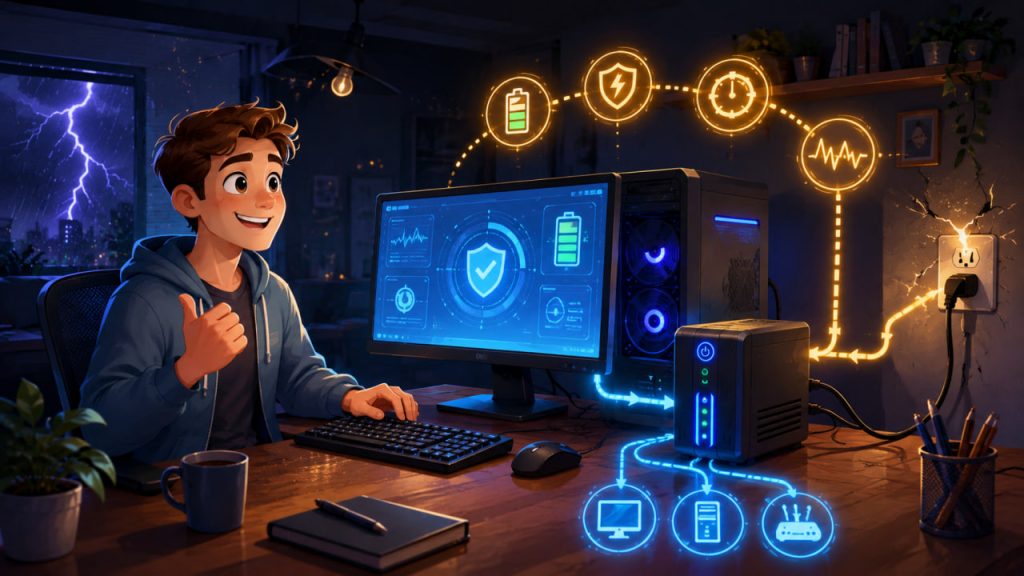
A sudden power cut rarely arrives politely. It happens while you are editing a document, exporting a video, gaming online, updating Windows, working with client files, or writing code.
That is why many PC users eventually ask the same practical question: do I really need a UPS for my computer, or is a simple surge protector enough?
A UPS, or uninterruptible power supply, is not just a “big battery.” It is a protective device that gives your computer temporary backup power, helps prevent abrupt shutdowns, and can reduce the risk of data loss during blackouts, brownouts, and voltage instability.
For some users, a UPS is optional. For others, it is one of the smartest upgrades they can buy.
What Is a UPS?
A UPS is a device that sits between the wall outlet and your computer equipment.
When power is normal, your PC runs from the electrical grid. When power fails or drops too low, the UPS instantly switches to battery power.
The goal is not usually to keep working for hours. For most desktop users, the real purpose is simple: save your work, close programs correctly, and shut the computer down safely.
A UPS can also protect connected devices from common electrical problems, including power spikes, short outages, and voltage drops. Eaton describes small desktop UPS units as useful for keeping home Wi-Fi and office equipment running during brief outages, while more advanced models can support workstations long enough for safe shutdown or continued work.
Do You Really Need a UPS for a PC?
You probably need a UPS if you use a desktop computer for important work.
Unlike laptops, desktop PCs do not have built-in batteries. If power disappears, the system shuts off immediately. That can corrupt open files, interrupt software updates, damage unsaved projects, or cause storage errors.
A UPS is especially useful if you:
- Work from home
- Use a gaming PC
- Edit videos, photos, music, or 3D projects
- Run a NAS, home server, or network equipment
- Live in an area with unstable electricity
- Often experience flickering lights, brownouts, or outages
- Use expensive PC components
If losing power at the wrong moment would cost you time, money, or data, a UPS is worth considering.
A surge protector only helps against voltage spikes. It does not keep your computer running when power goes out.
UPS vs Surge Protector: What Is the Difference?
A surge protector is cheaper and simpler. It is designed to absorb or redirect sudden voltage spikes.
A UPS usually includes surge protection, but it also contains a battery. That battery gives your computer time to stay on after power failure.
Think of it this way:
A surge protector protects against a sudden electrical hit.
A UPS protects against both sudden electrical hits and sudden power loss.
For a basic printer, lamp, or phone charger, a surge protector may be enough. For a desktop PC, monitor, router, modem, external drive, or NAS, a UPS provides a much stronger safety layer.
The Three Main Types of UPS
There are three common UPS categories: standby, line-interactive, and online double-conversion.
A standby UPS is the most basic type. It normally passes wall power through to your devices and switches to battery when power fails. It is affordable and acceptable for simple home computers.
A line-interactive UPS is usually the best choice for most desktop PCs. It can regulate voltage without immediately using battery power, making it better for areas with dips and fluctuations. Eaton notes that standby and line-interactive systems are suitable for many small office and home office applications, while line-interactive models add voltage regulation.
An online double-conversion UPS is the most advanced option. It constantly converts incoming power and delivers very clean output. This is usually overkill for a normal home PC, but valuable for servers, professional workstations, medical equipment, and critical systems. Eaton explains that online UPS designs are more complex and usually more expensive than standby or line-interactive models.
For most people, the sweet spot is clear: choose a line-interactive UPS unless your setup is extremely basic or highly mission-critical.
How Much UPS Capacity Do You Need?
UPS capacity is usually shown in two numbers: VA and watts.
Watts matter more for real-world buying because your computer consumes watts. VA is also important, but it can make a UPS look stronger than it really is.
Start by estimating the total power draw of the devices you want to keep running:
- Desktop PC
- Main monitor
- Router
- Modem
- External drive or NAS
- Small network switch
Do not plug laser printers, heaters, speakers with large amplifiers, or high-power appliances into the battery-backed outlets. They can overload the UPS.
As a practical rule, choose a UPS whose watt rating is at least 20–30% higher than your expected load.
For example:
- Office PC plus monitor: 300–600 VA may be enough
- Strong home office PC: 700–1000 VA is more comfortable
- Gaming PC with monitor: 1000–1500 VA is often safer
- High-end workstation: 1500 VA or more may be needed
- NAS and networking gear: capacity depends on runtime goals
Never buy a UPS based only on VA. Always check the watt rating.
Pure Sine Wave vs Simulated Sine Wave
This is one of the most important details when choosing a UPS for a modern computer.
A pure sine wave UPS produces cleaner battery power that more closely resembles normal utility power. A simulated sine wave UPS produces a rougher stepped approximation.
Many basic devices can run on simulated sine wave output. However, modern desktop computers often use active PFC power supplies, especially gaming PCs and efficient 80 Plus-rated units.
CyberPower’s official UPS buying guide describes pure sine wave output as suitable for sensitive electronics that require smoother and cleaner input. CyberPower also markets PFC sine wave UPS systems specifically for equipment requiring active PFC compatibility.
For a cheap office PC, simulated sine wave may work.
For a gaming PC, workstation, premium power supply, NAS, or expensive monitor setup, pure sine wave is the safer choice.
How Much Runtime Should You Expect?
Many buyers imagine a UPS will let them keep gaming or working for hours. In reality, most desktop UPS units provide minutes, not hours.
That is normal.
A UPS is mainly designed to bridge short outages and allow safe shutdown.
A small UPS under heavy load may last only 3–7 minutes. A larger unit with a moderate PC load may last 10–20 minutes. Networking gear alone may run much longer because routers and modems use far less power than desktop computers.
The key question is not “how long can I keep working?” It is:
How long do I need to save everything and shut down safely?
For most home users, 5–10 minutes under real load is enough.
What Should You Plug Into a UPS?
Use the battery-backed outlets for essential equipment only.
Good choices include:
- Desktop PC
- Main monitor
- Router and modem
- External drive
- NAS
- Small network switch
Use surge-only outlets for nonessential devices.
Avoid connecting:
- Laser printers
- Space heaters
- Kettles
- Vacuum cleaners
- Large speakers
- Power strips overloaded with many devices
A UPS has limits. Overloading it defeats the purpose and may cause it to shut down immediately during an outage.
Expert Perspective
Power protection companies generally agree on the same core principle: the right UPS depends on the load, the importance of the equipment, and the quality of power required.
Eaton separates UPS systems into standby, line-interactive, and online categories, with line-interactive units commonly positioned for desktop and small-office protection. CyberPower emphasizes pure sine wave output for sensitive electronics and active PFC compatibility. Together, these recommendations point to a practical buyer’s rule: for a modern desktop PC, a line-interactive pure sine wave UPS is usually the best balance of protection, compatibility, and price.
What UPS Should You Choose?
For a simple home office PC, choose a reliable 600–850 VA UPS with automatic voltage regulation if your computer is not power-hungry.
For a standard work PC with one or two monitors, choose around 850–1000 VA.
For a gaming PC, choose a 1000–1500 VA line-interactive UPS with pure sine wave output.
For a high-end gaming PC or workstation, look for 1500 VA or higher, but check the watt rating carefully. Some 1500 VA models support around 900 watts, while others support less.
For a NAS or home server, prioritize USB shutdown support, good battery management, and enough runtime for safe automatic shutdown.
The best UPS for most modern PC users is not necessarily the biggest one. It is the model that matches your actual watt load, supports your power supply type, and gives you enough time to shut down properly.
For most desktop owners, the ideal choice is a line-interactive UPS with automatic voltage regulation, USB shutdown software, enough watt capacity, and pure sine wave output if the PC uses a modern active PFC power supply.
Important Features to Look For
A good PC UPS should include:
- Enough watt capacity for your computer and monitor
- Automatic voltage regulation
- USB connection for shutdown software
- Replaceable battery
- Clear status display or software monitoring
- Surge protection
- Pure sine wave output for gaming PCs and workstations
Battery replacement matters because UPS batteries age. A model with a replaceable battery can remain useful for years.
Interesting Facts
- A UPS is often more useful for safe shutdown than for long-term backup power.
- Desktop computers are more vulnerable to sudden outages than laptops because they have no internal battery.
- Pure sine wave UPS models are often recommended for gaming PCs and workstations with active PFC power supplies.
- Routers and modems can run much longer on a UPS than desktop computers because they consume far less power.
- UPS batteries gradually wear out and usually need replacement after several years.
- A UPS can protect work during short outages that last only seconds but still crash a desktop PC.
- Some UPS units can automatically shut down a computer when battery power gets low.
Glossary
- UPS — Uninterruptible power supply; a device that provides temporary battery power during outages.
- VA — Volt-ampere rating; a capacity measurement used for UPS systems.
- Watt — A real power measurement that shows how much energy a device actually uses.
- Surge Protector — A device that helps protect electronics from voltage spikes.
- Standby UPS — A basic UPS that switches to battery only when power fails or drops.
- Line-Interactive UPS — A UPS that can regulate voltage and switch to battery when needed.
- Online UPS — A premium UPS that continuously converts power for maximum protection.
- Pure Sine Wave — Cleaner electrical output that closely resembles normal grid power.
- Simulated Sine Wave — A stepped approximation of normal AC power, often found in cheaper UPS units.
- Active PFC — A power supply feature common in modern PCs that can benefit from cleaner UPS output.
- Runtime — The amount of time a UPS can keep equipment powered during an outage.
- Automatic Voltage Regulation — A feature that corrects low or high voltage without immediately using battery power.